Pre-launch. We're taking early access requests now.

Stop fighting
the cable.

AERAS SHARE puts photos, documents, slides or a live screen on the meeting room display from the Controller tablet or any browser. It also books the room, and lets IT look after every room from one place. All of it runs on the network you already have.

We're a small team, so early access and pilots are open to a limited number of organizations.

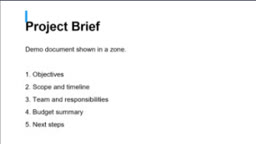
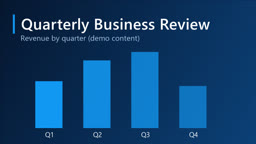
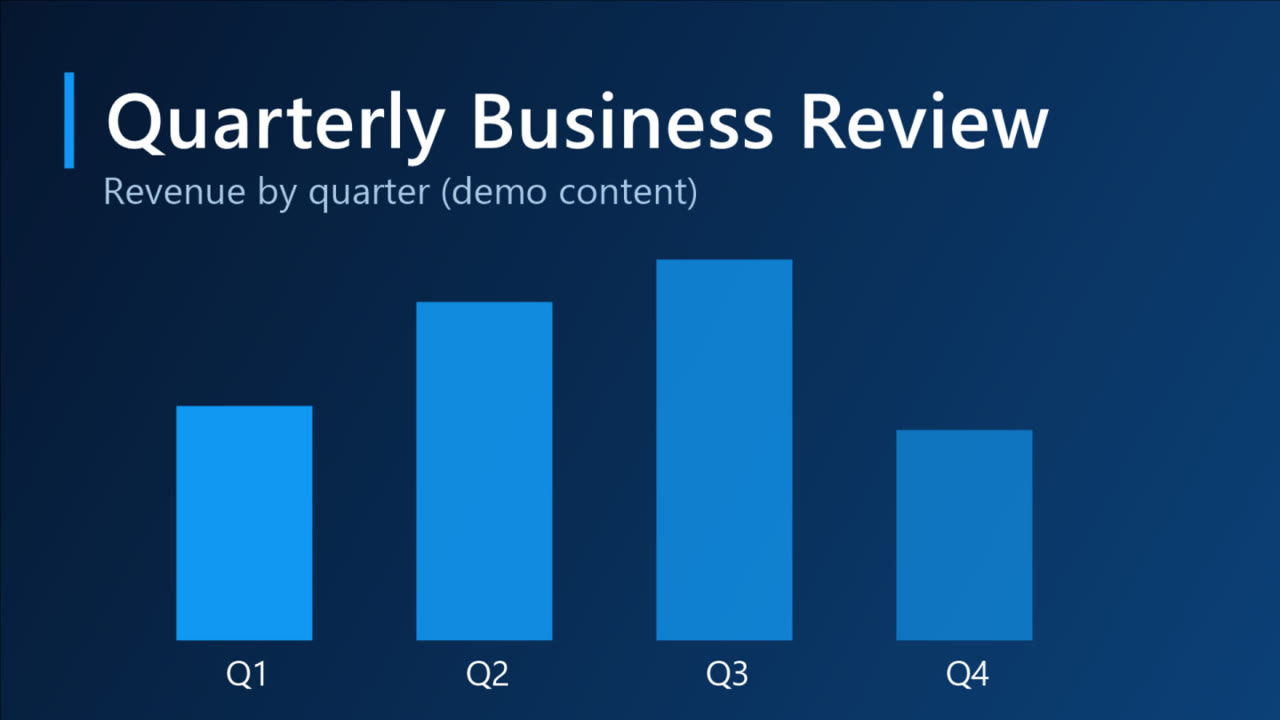
A slide on the receiverShared from the Controller
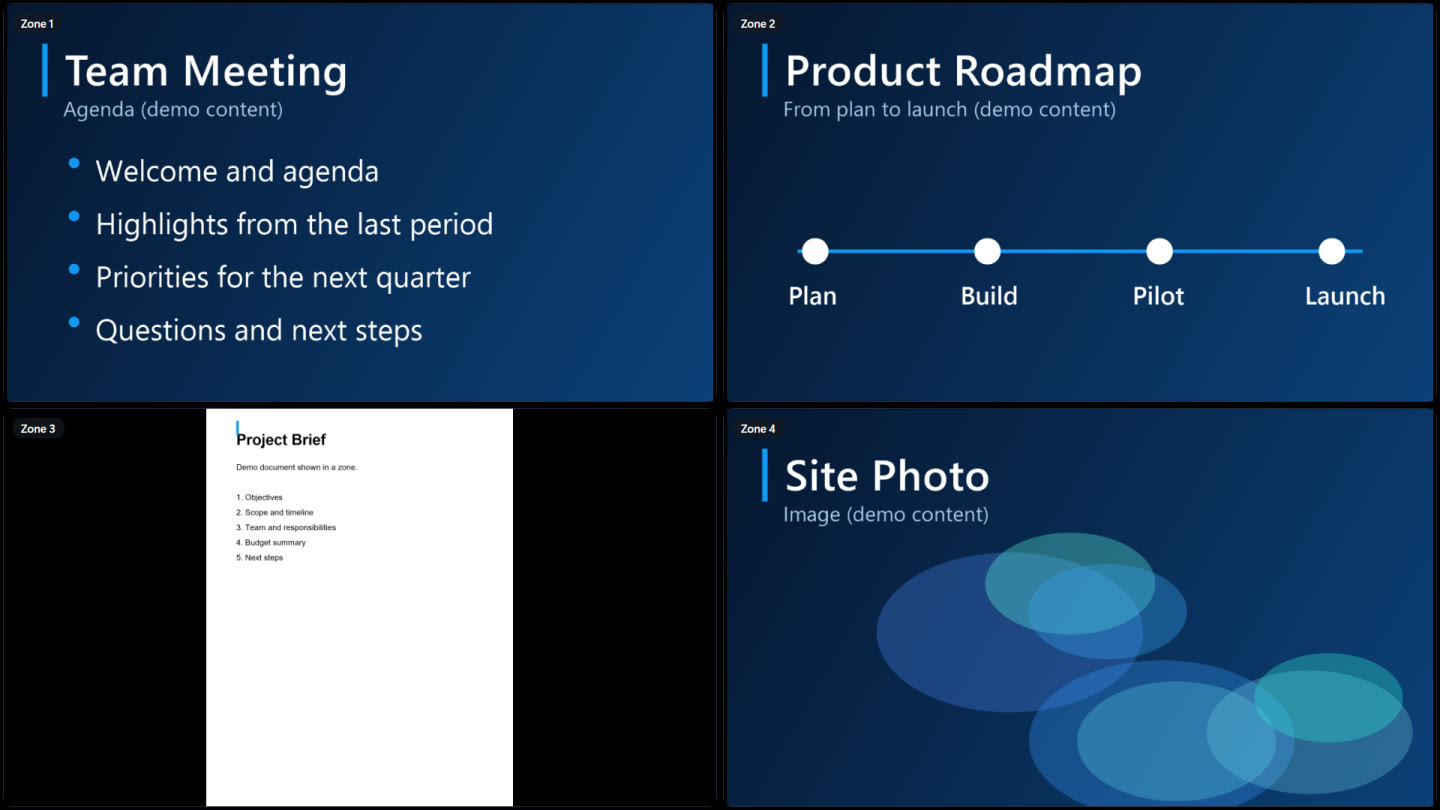
Four zones on one receiver screenFour zones, one screen
Annotating from the Controller
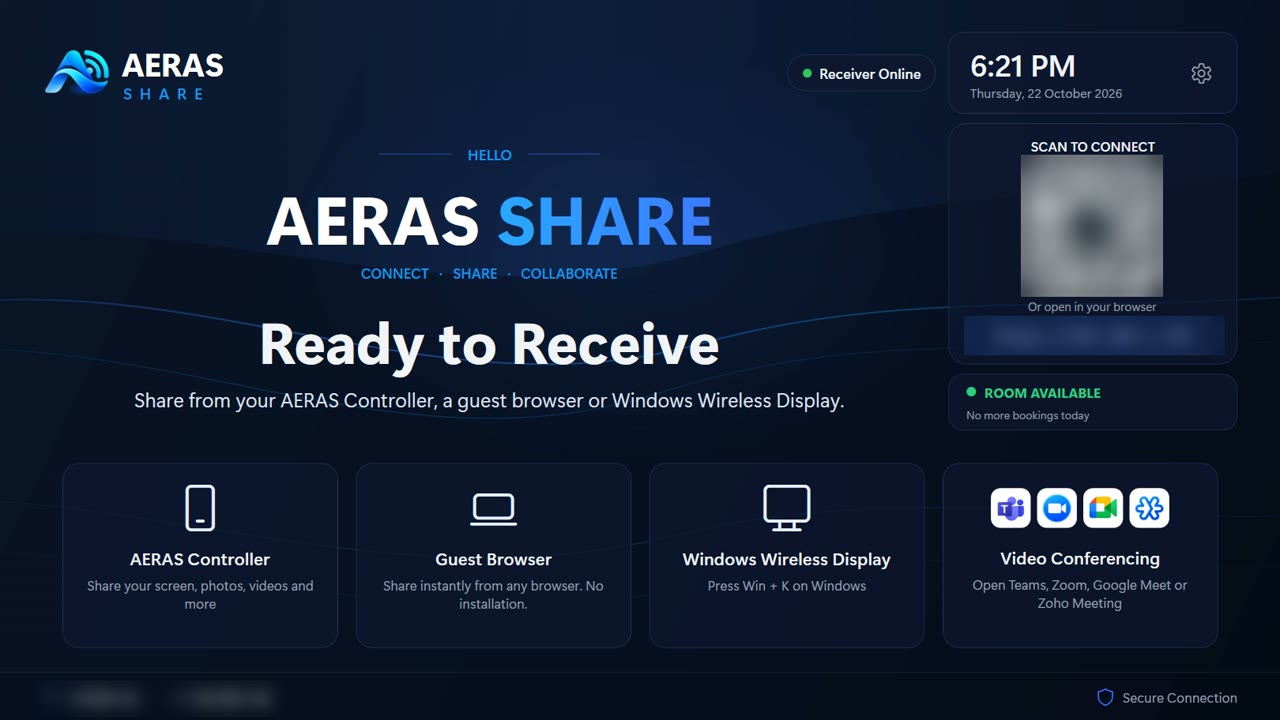
The receiver's Ready screen showing the room is availableRoom available
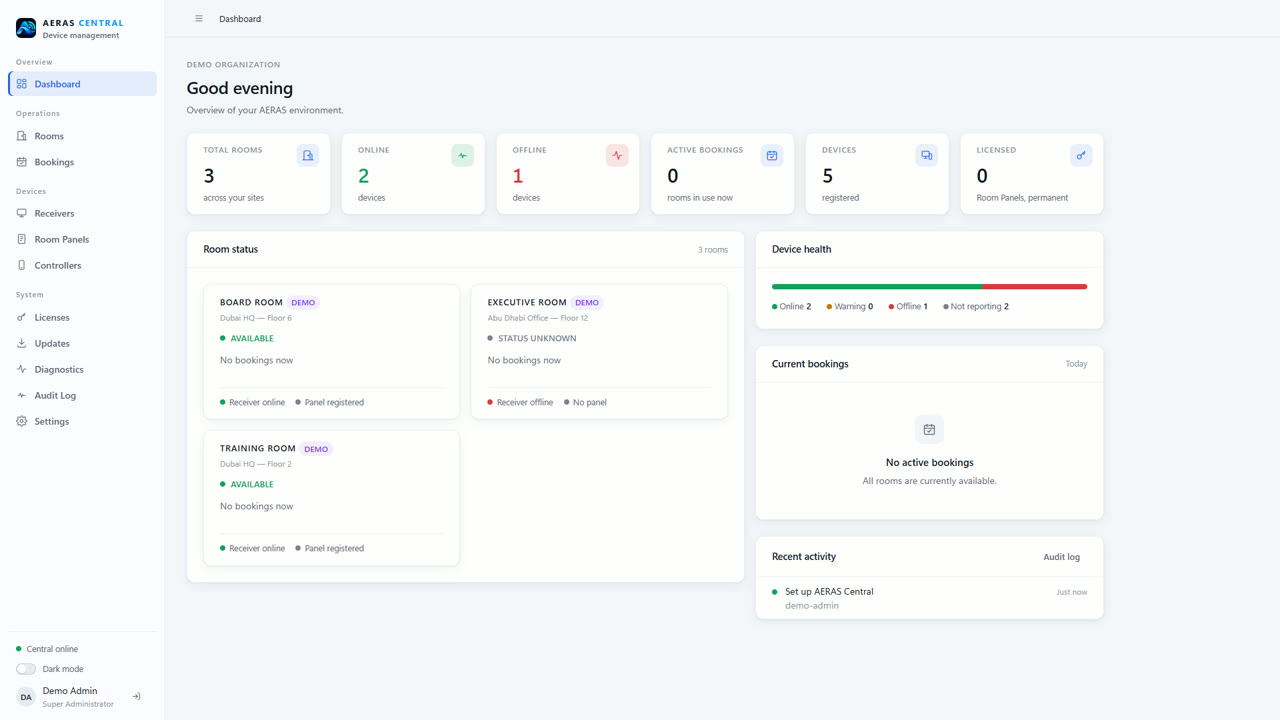
The AERAS Central dashboard with demo roomsAERAS Central

Tap a scene · Real receiver screens and AERAS Central, with demo content

A meeting, start to finish

Walk in. Throw. Done.

  1. Walk inBoard Room is free, and the panel by the door says so.
  2. Step insideThe screen is off. Nobody is looking for a cable.
  3. Pick up the ControllerIt already knows which room it's in.
  4. Turn the screen onOne tap on the Controller wakes the receiver.
  5. Throw the slideA flick of the wrist, and it's up there, checked and full screen.
Why it exists

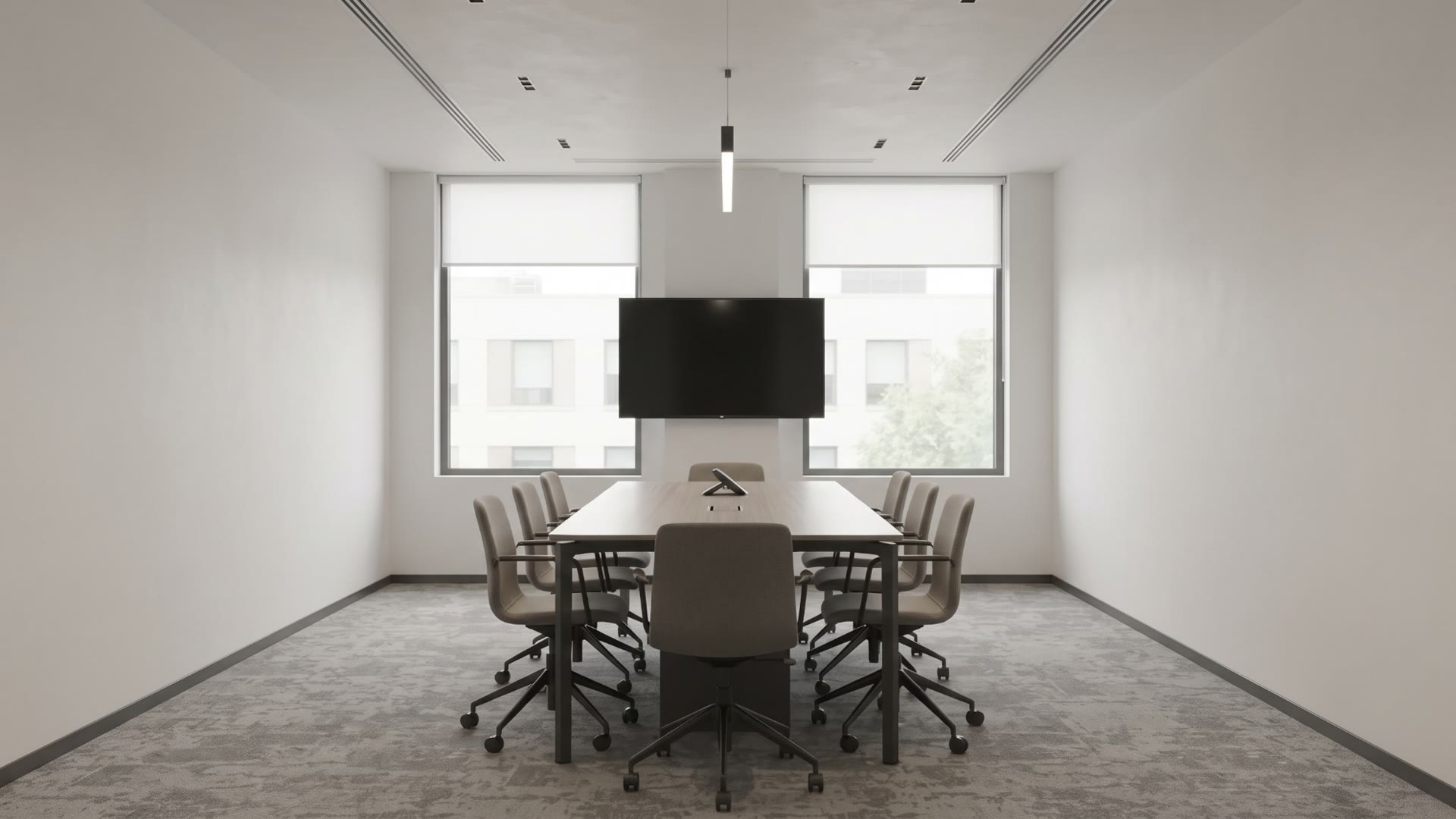
The first five minutes of a meeting shouldn't be about cables.

Adapters, logins, the wrong input, and the classic "can you see my screen?". AERAS SHARE takes care of those, for the people in the room and for the team that looks after it.

Flip the switch to see the same meeting room before and after.

WithoutWith AERAS SHARE
Before

Find the cable, the adapter and the right input, then wait for it all to wake up.

With AERAS SHARE

Pick a file on your tablet and throw it. It's on the big screen, checked and full screen.

Before

Your photos, videos and documents are stuck on your device.

With AERAS SHARE

Photos, video, PDF, PowerPoint, Word and Excel go straight from the Controller to the room display.

Before

Walk back to the front of the room to turn a page or pause a video.

With AERAS SHARE

Turn pages and slides, play, pause, seek and set the volume from your seat.

Before

One thing on screen at a time.

With AERAS SHARE

Put a document beside a live screen or a whiteboard, in up to ten zones, and bring any one full screen.

A quick look

51 seconds, no voice-over.

Drawn by us, with real receiver screens on the display. We'll swap it for a properly filmed demo once the first rooms are installed.

0:00 / 0:51

Real product screens with demo content · no sound · drag the bar or pick a part to skip ahead

The receiver

Split the screen however you like.

Pick a layout on your tablet and send each thing to the zone you want: slides next to a spreadsheet, a live screen next to a whiteboard. Up to ten zones if you really need them. Any zone can go full screen and come back.

Layouts up to 10 zones · up to 4 live device screens at once · one video heard at a time

The AERAS SHARE receiver showing a 4-zone layout with slides, a roadmap, a document and an image
Real receiver screen · demo content
How it works

Yes, you can throw it.

Pick a photo, video, PDF or presentation on your Android tablet and flick your hand towards the screen. The tablet's camera sees the throw and sends it. There's a plain Send button too, for less theatrical days. The room checks the file and puts it up full screen.

  • Photos, video, PDF, PowerPoint, Word and Excel
  • Every file checked with SHA-256 before it is shown
  • Turn pages, slides and video from the tablet, without sending anything again
  • Nothing kept on the tablet after it is sent
The receiver's Ready to Receive screen
✓ Verified

Tap a file to throw it · Real receiver screens with demo content

The full list

Everything it does today.

No roadmap promises in here. If it's on this list, it's built and being tested. It's long, because we kept adding things people asked for. What it doesn't do yet is further down.

01Sharing

  • Throw AnythingPhotos, videos, PDFs, PowerPoint, Word and Excel, sent from your tablet to the room display.
  • Gesture throwFlick your hand towards the screen; the tablet's camera recognises the throw and sends.
  • Verified deliveryEvery file is checked with SHA-256 before it is shown. A file already on the screen isn't sent twice.
  • Large filesUp to 1 GB per file, over your local network.
  • Nothing left behindTemporary copies on the tablet are deleted after sending; your original is never touched.
  • Clear screenOne tap removes everything shown and deletes the received content from the room.
  • Rooms found automaticallyNearby rooms appear by name on the network, or connect by address.
  • Office documents, locallyPresentations and documents are converted on the receiver itself, page by page. Nothing goes to a cloud.

02Presenting

  • Multi-zone layoutsTwo to ten zones on one display, any content in any zone.
  • Focus a zoneBring one zone full screen and back to every zone, animated, without interrupting the others.
  • Pages & slidesTurn PDF pages and presentation slides from the tablet. Navigation never re-uploads.
  • Zoom from the tabletPinch to zoom a photo, PDF page or slide on the room display, up to 4×. It works while you draw on it too, and your marks stay in place.
  • Videos inside slidesA video in a PowerPoint file plays on its slide, in its place. Play, pause, seek and set its volume from the tablet.
  • Photo sets & slideshowSend several photos at once, then step through them or run a slideshow.
  • Video controlPlay, pause, seek, volume and mute, per zone, from the tablet.
  • Audio focusSeveral videos can play; only the one you're working with is heard.
  • Zones that close upClear a zone and the rest rearrange into the next smaller layout.
  • Screen power & volumeTurn the room display on or off and set its volume from the app.

03Live screens & guests

  • Show this screenShare the Controller tablet's screen live on the room display.
  • Four live screensUp to four device screens at once, each in its own zone, mixed with content.
  • Guest screen sharingVisitors share from a web browser, with nothing to install, into the zone they choose.
  • Guest ThrowGuests send a file by scanning a QR code, with no app; the presenter decides what reaches the screen.

04Video calls

  • Video conferencingMicrosoft Teams, Zoom, Google Meet and Zoho Meeting open on the receiver, in the provider's own app or browser.
  • Built-in remote controlWhile a conference is open, the Controller drives the receiver's mouse and keyboard.
  • Present beside the callA guest presents a browser screen into a zone on top of the conference, which stays open.
  • No accounts heldThe room never receives meeting-provider sign-ins or tokens.

05Working together

  • Live annotationDraw over a photo, PDF page or slide in any zone; the file itself is never changed.
  • WhiteboardOpen a whiteboard full screen or in a zone and sketch from the app.
  • Polls & votingAsk a question; people vote by scanning a QR code, with no app. Nothing is stored.

06Rooms & booking

  • Room bookingBook from any browser, the room panel or the app. The room keeps its own schedule.
  • Room Booking PanelA dedicated app for a tablet at the door: available, reserved or in use, at a glance.
  • Check-in & releaseCheck in at the door; a booking nobody checks in to is released after 10 minutes.
  • Ready screenClock, room name, the next booking and end-of-meeting notices on the room display.
  • Screen saverYour own image or video on the room display when nobody is presenting, and a screen saver on the panel.
  • Your brandingRoom logo, wallpaper and text on the display, and your logo on the panel and app.

07AERAS Central

  • One consoleRooms, receivers, room panels and controllers in one on-premise inventory.
  • Remote settingsDisplay, time zone, volume, screen power, name, screen saver and branding, from your desk.
  • Remote password & restartChange a room's password or restart it without walking to the room.
  • Signed updatesPush software updates; each room verifies the signature before installing.
  • Licenses & activationActivate room panels and keep permanent licenses in one place.
  • Bookings everywhereDay, week and calendar views across rooms, with check-in, check-out and cancel.
  • Rooms stay independentEvery room keeps working if the console is offline.

08Security

  • Local network onlyContent moves between devices on your LAN. No cloud service is needed.
  • Approved at the roomControllers and panels pair with a room only after approval there.
  • Device keysDevices prove who they are with keys held on the device itself.
  • Encrypted managementThe console reaches each room over TLS, pinned to that room's own certificate authority.
  • Offline licensesLicenses are verified on the device, with no online check.
  • Roles & audit logAdministrator roles in the console, and a record of every change.
Room booking

Booked rooms that nobody uses?

Every room keeps its own schedule on your network, and the AERAS Room Booking Panel at the door shows whether it's free. If nobody checks in within 10 minutes, the booking is released and the room goes back to people who actually need it.

  • Book from the panel or any browser. Attendees don't need an account
  • Available, reserved and in use, at a glance
  • Day, week and calendar views across rooms in AERAS Central
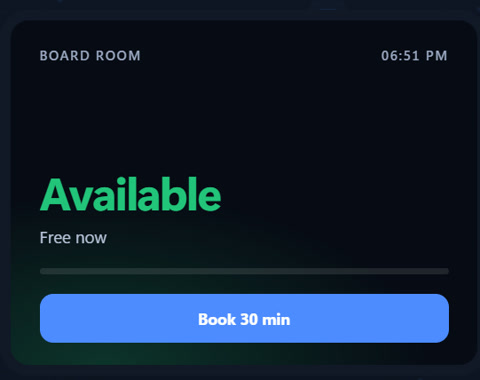
Board Room--:--
Available
Free now

Try the panel · Illustration

AERAS Central · on-premise architecture

It runs on your network.
That's the whole point.

Rooms, devices and the management console all run on your premises. Content moves between devices on the local network; AERAS Central manages every room over a verified, encrypted connection.

Diagram: Controller tablets, guest browsers and Room Booking Panels connect over the local network to each room's receiver; AERAS Central manages the receivers on the same network Devices Controller tablets Guest browsers Booking panels Room receiver Display & zones Bookings Local license AERAS Central Inventory & settings Updates & licenses Audit log Local network Verified · TLS
Honestly

What it doesn't do yet.

Better you hear it from us than find out in your first meeting.

  • Controller is Android only. There's no Controller for iOS yet. Guests on iOS can still send a file by scanning a QR code, but can't share their screen.
  • No AirPlay. macOS users present through a web browser instead.
  • Slides don't animate. PowerPoint and Word files are turned into pages on the receiver, so animations don't play. Videos inside a .pptx do play, if they are mp4, m4v or mov; videos in older .ppt files don't.
  • Win + K can look soft. Windows wireless display comes through blurrier than it should on some hardware. We're still chasing this one.
  • The receiver is its own box. It sits behind the display; it doesn't run on the TV itself.
  • Throwing by hand needs light. The gesture uses the tablet's camera. In a dark room, use the Send button.

we update this list when something gets fixed

Founding Customer Program

Help us build it.

We're looking for a handful of organizations willing to put AERAS SHARE in real rooms before launch, and to tell us honestly what's missing.

Apply for the Founding Program

Places are limited. Participation is by application; program terms are agreed individually with each organization.

What you get

  • AERAS SHARE in your own rooms before anyone else.
  • Us, helping you set it up, not a ticket queue.
  • A real say in what we build next. Founding customers' requests go to the top of the pile.

What we'd ask

  • Use it in real meetings, not a demo room.
  • Tell us when something breaks, or just annoys you.
  • Some patience. It's early, and a few things aren't finished.

Want to see it in your rooms?

Tell us a little about your rooms. One of us will get back to you, not a sales bot.

Request Early Access